What is a 360° view?
A 360° view is a panoramic image that covers everything around one point: front, back, sides, floor and ceiling. On a screen, you drag or turn your phone to look around, as if standing in the room.
How it's made
- For an existing space: a 360° camera, or several photos stitched together, captures the room from one spot.
- For a 3D design: the render engine uses a special camera that records the whole sphere in one image. The result is a wide, stretched image that viewers wrap into a sphere.
How to view it
- In a web browser, by dragging with the mouse or finger.
- On a phone, by turning the phone.
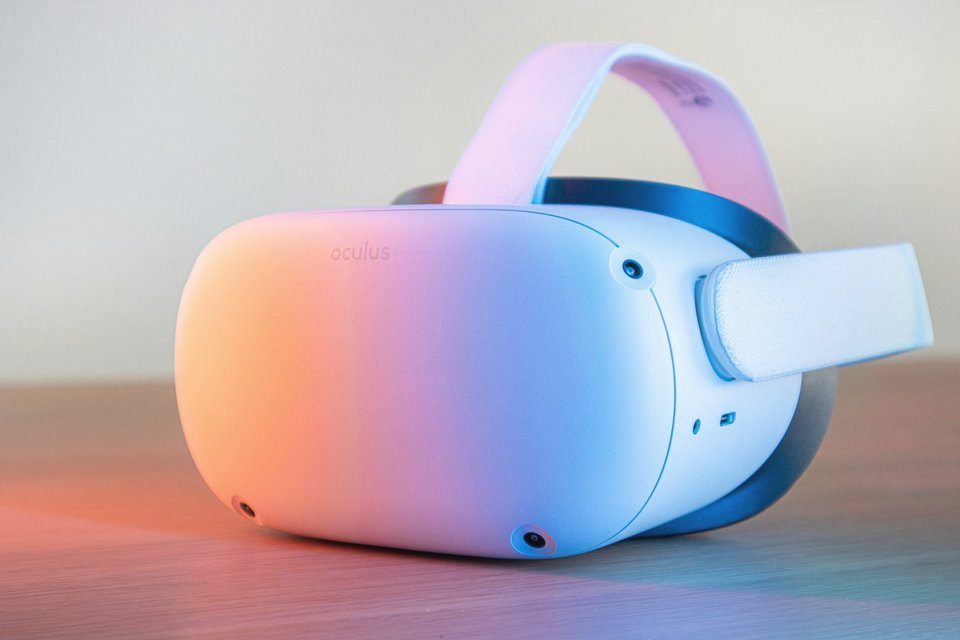
- In a VR headset, for a sense of real scale.
- Several 360° views linked together make a virtual tour.
360° view vs normal render
| Normal render | 360° view | |
|---|---|---|
| What you see | One chosen frame | The whole room |
| Composition | Carefully framed | No framing, you choose where to look |
| Best for | Brochures, listings, decisions on details | Understanding space and volume |
| Shared as | Image | Link or viewer |
Good uses
- Understanding how big a room really feels.
- Seeing how rooms connect from a doorway.
- Showing buyers a property that isn't built yet.
- Checking every wall at once, so nothing is forgotten.
Limits
- Image quality per area is lower than a framed render of the same file size.
- Some corners look stretched when viewed flat.
- It needs a viewer or a link, not just an image file.
- No composition: the best angle isn't chosen for you.
Most projects use a few framed renders for the key views, and 360° views where the feel of the space matters.
Let's talk about your project.
Send your plans for a quote, or book a free 15-minute call.