Real-time vs photoreal rendering: what's the difference?
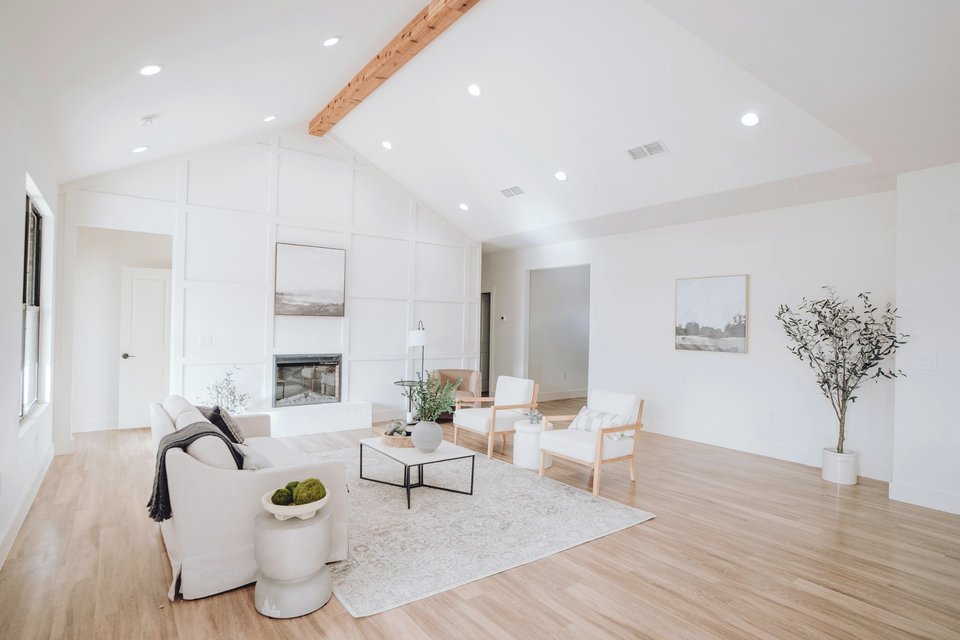
Real-time rendering draws the image instantly, many times per second, so you can move through a space live. Photoreal rendering takes minutes or hours per image, but calculates light far more precisely. One is for exploring, the other for final images.
Real-time rendering
- Works like a video game: the scene updates as you move.
- Uses shortcuts to estimate light and reflections quickly.
- Tools: Lumion, Enscape, D5 Render, Twinmotion, Unreal Engine.
Good for: design meetings, testing options live, walkthroughs, videos and virtual reality.
Limits: light bounces, soft shadows and materials like glass, fabric and polished stone look less natural up close.
Photoreal (offline) rendering
- Calculates each image separately, tracing how light moves and bounces through the room.
- Takes longer, especially for large, detailed images.
- Tools: V-Ray, Corona, Cycles, Arnold.
Good for: final images to decide on materials, brochures, listings, portfolios and anywhere quality matters most.
Limits: slower to produce and to change, and not interactive.
Side by side
| Real-time | Photoreal | |
|---|---|---|
| Speed per image | Instant | Minutes to hours |
| Realism | Good | Highest |
| Move around live | Yes | No |
| Best for | Exploring, videos, VR | Final images |
The gap is closing
Modern graphics cards bring ray tracing to real-time tools, and the results get closer every year. For close-up interiors with soft daylight and rich materials, offline rendering still has the edge.
Which one for your project?
- Choosing a layout or comparing options: real-time is quick and flexible.
- Deciding on finishes, or selling a property: photoreal images.
- Showing a whole apartment: a video or tour from a real-time tool, plus a few photoreal stills.
We use both: Lumion when speed matters, V-Ray and Cycles for the final images.
Let's talk about your project.
Send your plans for a quote, or book a free 15-minute call.